
A Guide To Buying Software: Internal Communication Tools
Anthony Garza
May 4, 2023
5min

An internal communication (IC) tool is more than just a megaphone for announcements. Communication can make or break your overall internal operations, and to ensure effective communication, you need to choose the most efficient communication method for your team.
In this article, we’ll talk about how to eliminate communication challenges using the right internal communication technology and how to choose the right IC tool that can promote collaboration, transparency, and efficiency.
What does an Internal Communication Tool do?
Your internal communication systems connect your employees to your business and to each other. With the right communication tool, you can enjoy the following:
- Better collaboration across teams
- Reduce time wasted
- Eliminate geographic barriers
- Improve clarity, transparency, and efficiency
- Relay clear instructions and expectations
- Promote an engaged workplace
Without the right internal communication tool, you can’t effectively coordinate work and make everyone be on the same page. Poor communication can lead to wasted time, frustration, and information overload.
Depending on what your organization needs, you can choose from the following types of internal communication tools:
- Messaging and chat
- Collaboration tools
- Intranet
- Project management
- Knowledge management
- Voice and video conferencing
- Marketing
- Team bonding
- File sharing
- Client relationship management (CRM)
Common Features of Internal Communication Software
A good IC technology has the following key features:
Search capabilities
It’s important to be able to search for conversations and messages to help users easily retrieve information. Ideally, users should be able to search by people, dates, keywords, categories, tags, or even attachments.
Organization and structure
Structure is very important to avoid clutter and ensure efficiency. The tool should be easy to use to ensure adoption and a positive user experience.
News feed
Some internal communication tools have news feed features that help everyone stay up-to-date with the latest developments across teams and keep everyone on the same page.
Notifications and announcements
It’s a core component of any IC technology. Effective notifications and announcements ensure that everyone receives key information in real time.
File sharing
File sharing is crucial, and the tool should support various files and formats including images, PDFs, videos, etc.
Activity tracking
Being able to track the history of a project is a great feature to easily follow progress, audit activities, or simply review/retrieve past information.
Security and permissions
There’s a lot of sensitive information that gets shared among team members, and to ensure data protection, the chosen IC technology should have the right layers of security and access controls.
Multi-language support
Especially if employees or customers come from various countries, multi-language support will come in handy. It promotes an inclusive environment for everyone to enjoy.
Interactions and discussion
Having the avenue to give feedback, ask questions, or simply collaborate is what effective internal communication is all about. It’s crucial to find a tool that supports such interactions and discussions in a straightforward way.
Mobile app
With management and employees always on the go, having mobile access can help everyone stay connected anytime, anywhere.
Integrations
Your IC technology can be made even more seamless with the right integration capabilities. Know what your team needs, and evaluate whether or not you need integration with other tools. If yes, take that into consideration as you choose and purchase the right tool for seamless internal communication.
The right IC technology can help engage your employees, reduce conflicts, build relationships, motivate your workforce, and maintain mutual trust and respect among all internal stakeholders.
Once you have chosen an internal communication tool, evaluate its effectiveness and usability with Talisman. Talisman helps you perform SaaS audits instantly. Check out our blog for more SaaS tips and guides.
Keep exploring related articles

News
Talisman Wins "Best New Startup" at the 2024 TWIF Awards
We’re thrilled to announce that Talisman has been named "Best New Startup" at the 2024 TWIF Awards. Our team traveled to New York City this December to accept this incredible honor and celebrate what we’re building for the accounting community. This recognition inspires us as we look ahead to an exciting 2025.
February 9, 2026
•
2min

News
Talisman platform champions finance as a human + AI collaboration (Chattanooga Times Free Press)
Talisman, founded in 2021, addresses staffing challenges in accounting with an AI-powered platform automating tasks like transaction categorization and reconciliation. It enables firms to focus on advisory services, serving over 150 clients. Recognized for innovation, Talisman plans a major February launch to expand its impact.
February 9, 2026
•
10min
News
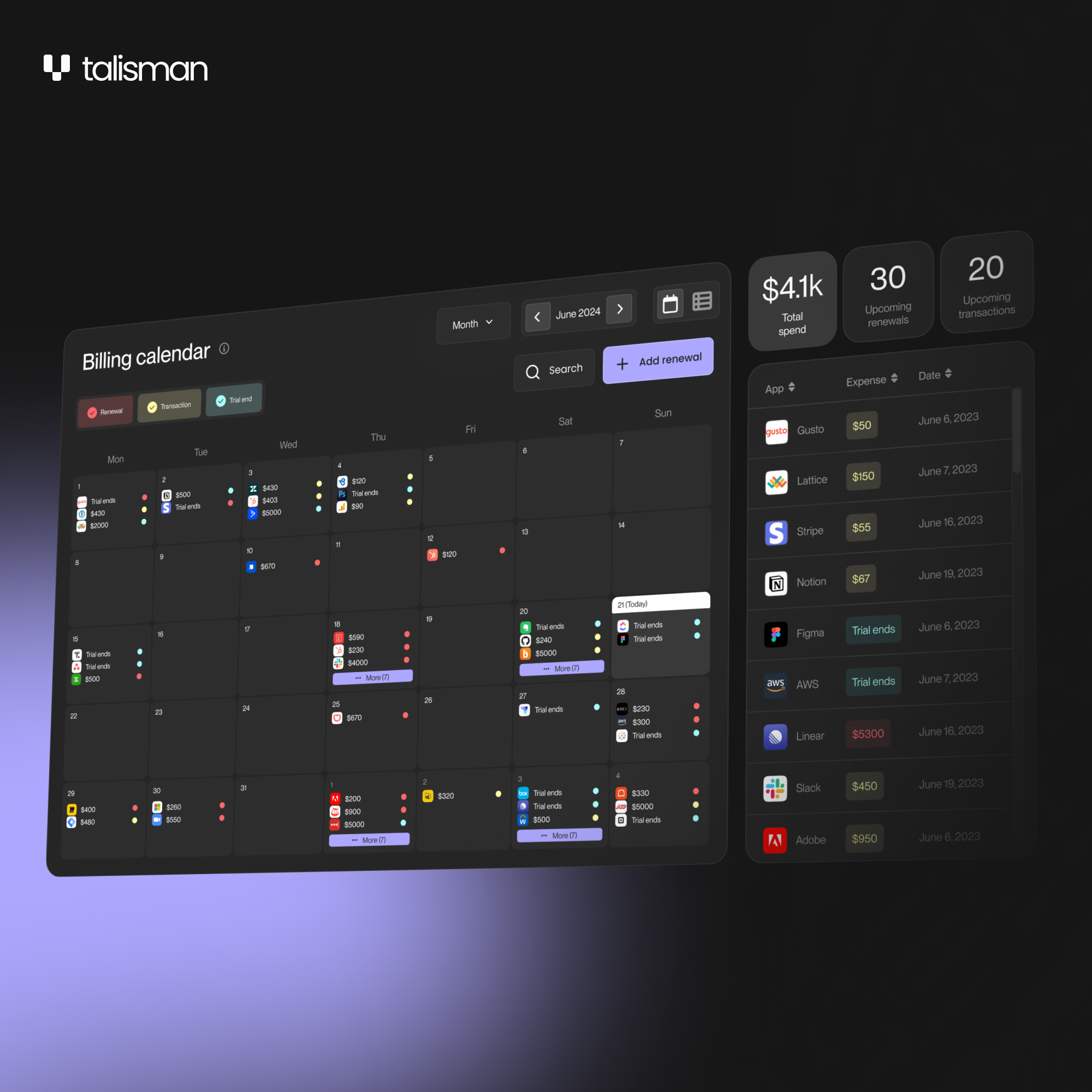
Billing Calendar: Instantly stay on top of every renewal
The Billing Calendar frees up your time from repetitive tasks by automatically pulling all the information about your subscriptions’ billing dates in one place. Whether you’re auditing your past expenses or forecasting for the future, you can now get a complete view of every transaction down to the exact day it occurs.
February 9, 2026
•
5min
Get the latest tips delivered to your inbox
We’ll keep you up to date on all the latest updates — and never share your information.